

Welcome to ELREXFIO Essentials. Whether you have just begun discussing your next treatment with your doctor or you've already started treatment with ELREXFIO, ELREXFIO Essentials is here for you. With easy-to-understand resources, valuable information, and guidance designed to support you at every step, we want to help you feel informed and confident throughout your treatment.
ELREXFIO resources to support you through treatment
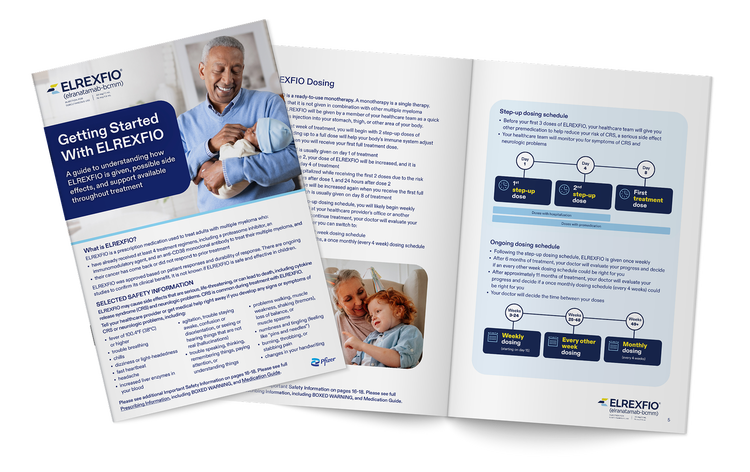
Getting started with ELREXFIO
This guide will help you prepare for treatment after your healthcare provider has prescribed ELREXFIO.
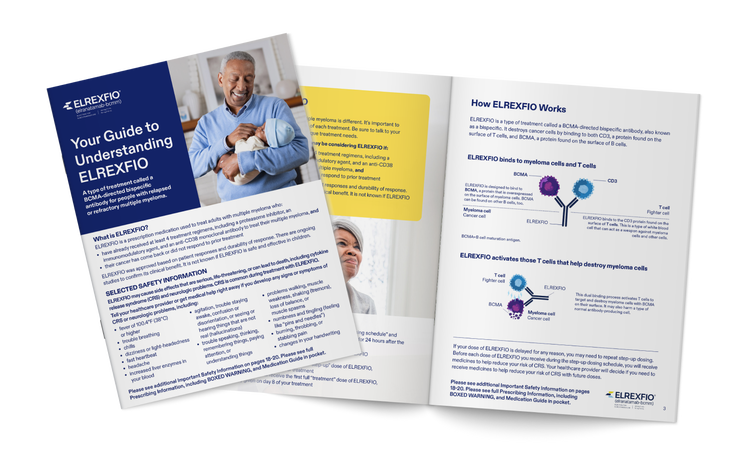
Your guide to understanding ELREXFIO
This brochure will help you learn more about what ELREXFIO is, how it works, and the results from a clinical trial.
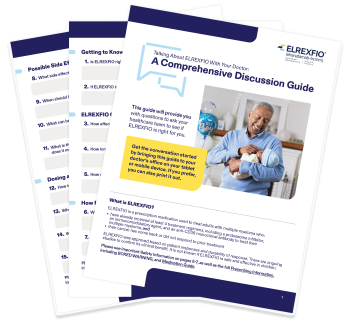
Doctor discussion guide
This resource has been created to help you be better prepared, so you can have more productive discussions with your doctor.
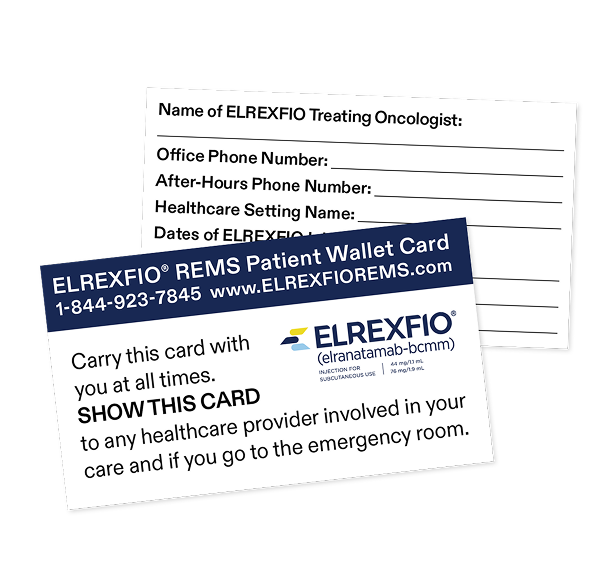
REMS wallet card download
As part of the ELREXFIO REMS Program, your healthcare provider will give you an ELREXFIO Patient Wallet Card before or at your first ELREXFIO treatment. It will let your other healthcare providers know that you have been prescribed ELREXFIO and includes symptoms of CRS or neurologic problems to look out for in case you experience them.
As an additional option, you can download or print out another copy of the wallet card to keep with you at all times.
Mobile Wallet Card
Get an ELREXFIO Medication ID Card
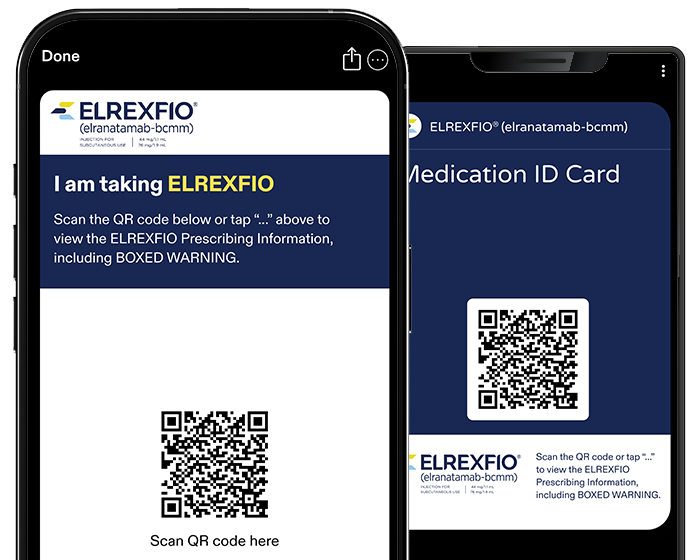
You should have received the REMS printed wallet card from your healthcare provider. As an additional option, you can also download an ELREXFIO medication ID card. The medication ID card is an easy way to let all medical professionals, including those that are not part of your cancer care team, know that you are taking ELREXFIO.
The card will be added to your wallet app on your phone that holds things like airline tickets and credit cards.

Scan QR code for iOS and Android*
Open your phone's camera app and hold your device so that the QR code appears in the viewfinder in the camera app. Tap the notification to open the link.
After scanning the QR code and adding the medication ID card to your phone, you can now go to your wallet app to see your medication ID card.
*Some Android phone cameras do not support QR code scanning and will require you to download a third-party QR scanning app.
Stay informed throughout your treatment journey
To receive ongoing support that will help you better understand your ELREXFIO treatment and an assortment of resources, just click on the button below and complete a short sign-up form.
If you have been prescribed ELREXFIO, you will receive:
- A free Patient Starter Kit full of resources to help you during your treatment with ELREXFIO
- Emails that will provide valuable information, resources, and support
If you’re considering ELREXFIO, you will receive:
- Important information about ELREXFIO
- A guide to help you have an informed discussion with your healthcare provider